
Clear status
See immediately whether every configured backup completed successfully.
Reliable backup monitoring
OpenBackup shows the status of your backups from SuperDuper! 4 (SD4, version 4.0.6 or later) or SuperDuper! Classic on iPhone and Android—without turning your backup data into somebody else’s product.
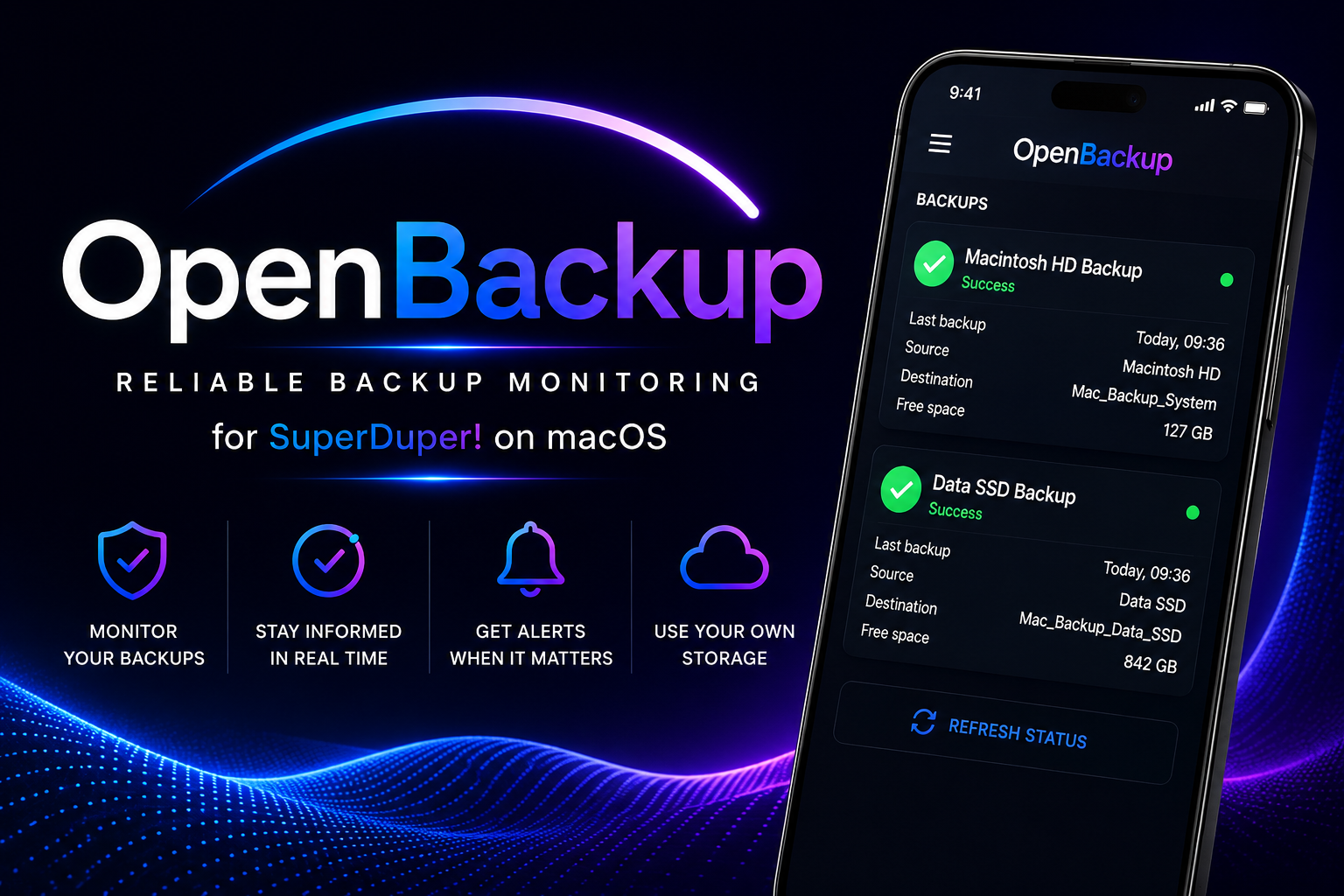

OpenBackup for iPhone and Android
The OpenBackup mobile app shows whether your SuperDuper! backups completed, when they last ran, what was copied and how much free space remains—clearly presented in one secure mobile dashboard.
SuperDuper! 4 (SD4) and SuperDuper! Classic
SD4 requires version 4.0.6 or later.
Works together with your Mac: OpenBackup Setup for macOS lets you choose SuperDuper! 4 (version 4.0.6 or later) or Classic, prepares the matching Mac component and saves status where either mobile app can read it.
Download OpenBackup from the App Store and connect it to the same cloud source as your Mac.
Open the Google Play listing, install OpenBackup, and connect it to the same cloud source as your Mac.
The configuration wizard does not open automatically after installation.
One clear overview
Check completion time, source, destination and available space from one streamlined mobile dashboard.
See immediately whether every configured backup completed successfully.
Monitor system, data and external-drive backup jobs from one place.
Connect through Google Drive, Dropbox or your own HTTPS server.
Receive notifications when a backup fails or needs attention.
Installation guides
Start with SuperDuper! on the Mac, run OpenBackup Setup, connect your status location and finish on iPhone or Android.
Create and test the backup jobs whose status you want to follow.
Choose SuperDuper! 4 (version 4.0.6 or later) or SuperDuper! Classic and select the status folder.
Use Google Drive, Dropbox or your own HTTPS server.
Install OpenBackup on iPhone or Android and test the connection.
Explore OpenBackup
Every screen is designed to make backup status understandable at a glance.
Free or Pro
The essential Google Drive monitoring experience is free. Pro adds more connections, notifications and control—without a subscription.
Ready to monitor smarter?
OpenBackup Setup for macOS supports SuperDuper! 4 from version 4.0.6 and SuperDuper! Classic. Follow your backup status with OpenBackup on iPhone or Android.
View availability